
7 Open-Weight AI Models Worth Running on Your Own Laptop, and How to Start
The pitch for running AI on your own laptop is simple. Nothing you type leaves the machine, there’s no subscription, and it keeps working on a plane. The catch is just as simple: the model has to fit in your computer’s memory, and the ones that fit are smaller than whatever powers ChatGPT or Claude this month.
This list is for people who have never pulled down a model file and want to know what’s realistic on the hardware they already own. We picked seven open-weight models, all released in 2026, checked each one’s licence and file sizes on its Hugging Face model card, and grouped them by the memory they need. We haven’t benchmarked them ourselves; where we cite speed or quality, it’s the developer’s claim and we say so.
First, the three words you’ll keep seeing
Weights are the model itself: billions of numbers in a file. “Open-weight” means you can download that file. It doesn’t always mean you can see how it was made, which matters for one pick below.
Quantization is compression. A model trained at 16 bits per number gets squeezed to 8, 4, or fewer bits so it fits in less memory, at some cost in quality. Four-bit is the usual sweet spot. As a rough rule (ours, not a spec), a 4-bit model needs a bit over half a gigabyte of memory per billion parameters, plus a few gigabytes for the conversation it’s holding and for your operating system.
GGUF is the file format most local tools read. Hugging Face describes it as a binary format built for fast loading, developed by the creator of llama.cpp, that stores the model’s tensors and metadata in one file. If a download page offers “Q4_K_M,” that’s a 4-bit GGUF.
So how much RAM do you need? On a Mac, the memory is shared with the graphics chip, so the number on the box is what you have to work with. On a Windows or Linux PC, the speed depends heavily on the video card’s own memory. Roughly: 16GB gets you capable small models; 32GB gets you into the 25-to-30-billion-parameter class, which is where local models start to feel useful for real work; 64GB and up buys headroom for long documents and bigger files.
Ollama, LM Studio or llama.cpp?
Ollama is the shortest path. Install it, then type one command (ollama run gemma4) and it downloads and starts the model. It’s MIT-licensed open source, and Ollama says local models are always free. It also sells cloud-hosted models, starting at US$20 (CA$28) a month, so make sure the tag you pull doesn’t end in “cloud” if privacy is the point.
LM Studio is the friendlier choice if you’d rather click than type: a desktop app with a model browser and chat window, running llama.cpp and Apple’s MLX underneath. Its system requirements call for an Apple Silicon Mac on macOS 14 or newer (Intel Macs aren’t supported) and recommend 16GB of RAM, or a Windows PC with AVX2 support, 16GB of RAM and ideally 4GB of video memory.
llama.cpp is the engine under much of this. You’d use it directly only if you want maximum control, or if a model, like one on this list, ships in a format the friendly apps can’t read yet.
1. Qwen3.8-27B: the one to try first on a 32GB machine
Alibaba’s Qwen3.8-27B is a 27-billion-parameter model under the permissive Apache 2.0 licence, which means commercial use is fine. It reads images and video as well as text, handles 262,144 tokens of context natively, and has a “thinking” mode that’s on by default and can be switched off for faster answers.
The Ollama build is an 18GB download. That’s too tight for a 16GB laptop and comfortable on 32GB. If you own one machine with that much memory, this is the obvious starting point for coding help, summarizing long PDFs and drafting.
2. Ternary Bonsai 2 27B: the same model in a third of the space, with a catch
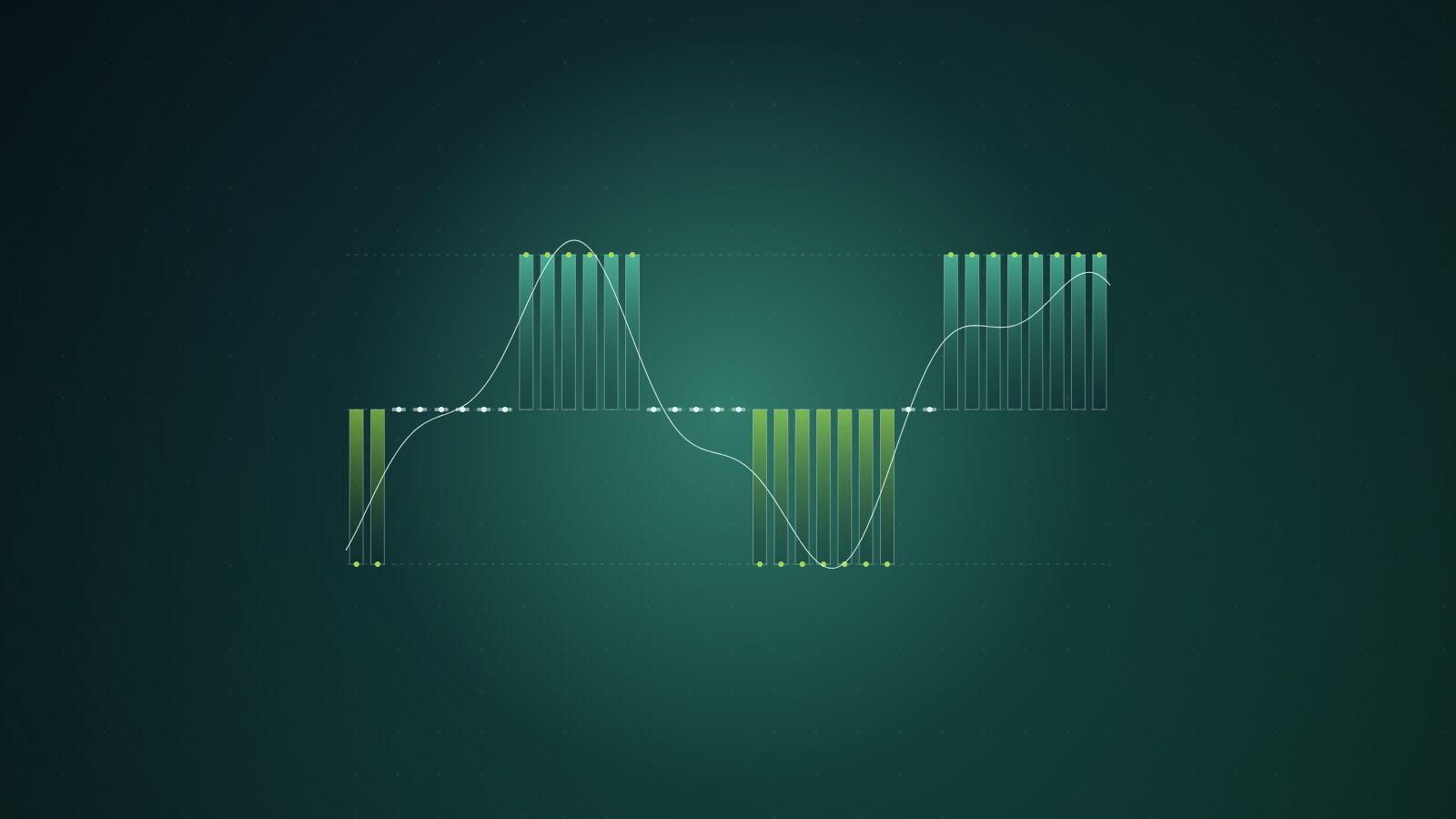
PrismML took Qwen3.8-27B and crushed it to about 1.75 bits per weight. The smallest file is 5.95GB, versus 53.8GB for the full-precision version, and it’s also Apache 2.0. PrismML claims it keeps 98.2% of the original’s aggregate benchmark score. That’s the company’s number; we’d wait for independent testing before treating it as settled.
Here’s the catch the launch post buries. The model card says plainly: “Stock llama.cpp will not run these files.” You need PrismML’s own llama.cpp fork, or Apple’s MLX. Its known-issues file adds that stock Ollama and LM Studio can’t load the compressed formats, that the model can think so long it never answers unless you raise the output limit, and that the default 32K context won’t fit in 12GB of graphics memory. For tinkerers with a 16GB machine, it’s the most interesting file on this list. For beginners, start elsewhere.
3. Gemma 4 12B or 26B: Google’s pick for 16GB and 32GB laptops
Google’s Gemma 4 family comes in five sizes, all under Apache 2.0. For laptops, two matter. The 12B model reads text, images and audio with a 256K context window, and Ollama’s build is roughly 8GB, so it runs on a 16GB machine with room left for your browser.
The 26B A4B is a mixture-of-experts model: 25.2 billion parameters in total, only 3.8 billion active for each word it produces. That makes it quicker than its size suggests. It still has to sit in memory in full, though, and Ollama’s build runs 16 to 19GB, so treat it as a 32GB option.
4. K2 Horizon 7B: open all the way down
Most “open” models give you weights and nothing else. K2 Horizon 7B, from the Institute of Foundation Models at Abu Dhabi’s MBZUAI, also publishes its training code, every checkpoint and the training data itself, as separate pretraining and midtraining datasets on Hugging Face. The licence is Apache 2.0. If you care about knowing what went into a model, or you’re a student who wants to study one, this is the pick.
Two things to know. Despite the name, the model card counts about 9 billion parameters. And IFM’s official GGUF is an uncompressed 18GB file; the 4-bit versions you’d actually run on a 16GB laptop are community conversions, which work but carry no guarantee from IFM.
5. DeepSeek V4.1 Flash: a warning, not a recommendation
You’ll see DeepSeek V4.1 Flash on “run it locally” lists because its weights are free under the MIT licence. Look at the model card before you click download. Hugging Face counts about 763 billion parameters, split across 48 files totalling roughly 510GB. Only 8 to 16 billion are active at a time, which is why it’s cheap to serve in a data centre. It is not a laptop model.
The most aggressive community attempt we found, a 2-bit conversion published under the name antirez, still totals about 340GB, needs a custom runtime and leans on streaming weights from the SSD to run on a 128GB Mac. Impressive engineering. Use DeepSeek through an API if you want it.
6. Gemma 4 E2B: the phone model
The smallest Gemma 4 has 2.3 billion “effective” parameters, 5.1 billion counting its embedding tables, according to its model card. It handles text, images and short audio clips, and it’s Apache 2.0. The easiest way to try it is Google’s AI Edge Gallery app, on Android 12+ and iOS 17+, where Google says inference runs on the device with no internet required. Expect a quick assistant for rewriting a message or describing a photo, not a research partner.
7. Ternary Bonsai 4B: a 1GB model for iPhone
PrismML’s smaller Ternary Bonsai 4B, built on Qwen3-4B, is a 1.13GB file under Apache 2.0. Unlike its big sibling, it runs in LM Studio on a Mac, and on iPhone through PrismML’s own Bonsai Studio app. The model card claims 50 tokens a second on an iPhone 17 Pro Max.
The honest trade-off
None of these will match the best cloud models on hard reasoning or long, multi-step coding jobs. That gap is real, and a 4-bit squeeze widens it a little. What you get instead is a model that can read your tax return, your medical paperwork or your unreleased manuscript without any of it touching someone else’s server. For a lot of everyday work, that’s the better deal. On a 32GB laptop, it’s one command away: ollama run qwen3.8, and an 18GB wait.
Sources
- Hugging Face: GGUF documentation
- Ollama
- LM Studio: System requirements
- Hugging Face: Qwen3.8-27B
- Hugging Face: Ternary-Bonsai-2-27B-gguf
- PrismML: Bonsai 2 27B announcement
- Google: Gemma 4 model card
- Hugging Face: K2-Horizon-7B
- Hugging Face: DeepSeek-V4.1-Flash
- GitHub: Google AI Edge Gallery
- Hugging Face: Ternary-Bonsai-4B

James Whitfield covers hardware for prompt/power: chips, semiconductors, laptops, components and the benchmarks behind the launch-day claims. He thinks the most important number on any spec sheet is usually the one in the footnote.
Keep reading


Latest from prompt/power
- DeepSeek V4.1 Flash Cut the US AI Lead to 3%. What LiveBench MeasuresOct 6
- Ben Affleck Calls AI Job Fears ‘Propaganda.’ He Sold an AI Firm to NetflixOct 6
- Cohere’s North 2 Puts AI Agents on a Budget. Toronto Bets on BoringOct 6
- How to Stop ChatGPT, Claude, Gemini and Meta AI From Training on Your ChatsOct 6
- Musk Is a Trillionaire Again After SpaceX Stock Jumps 7.6%Oct 6
Leave a Reply